Free
For trying it out
$0
- 3 designs
- Keep up to 3 photo textures
- 2 STL exports per month
- Print for yourself, family and friends
- Not for sale
KUZE Lampforge is a desk lamp designer that runs in your browser. Shape the shade, wrap it in any of 156 textures or one made from your own photo, set it on an LED base made to fit, and see it glow. Then download the STL files and send them to your 3D printer.
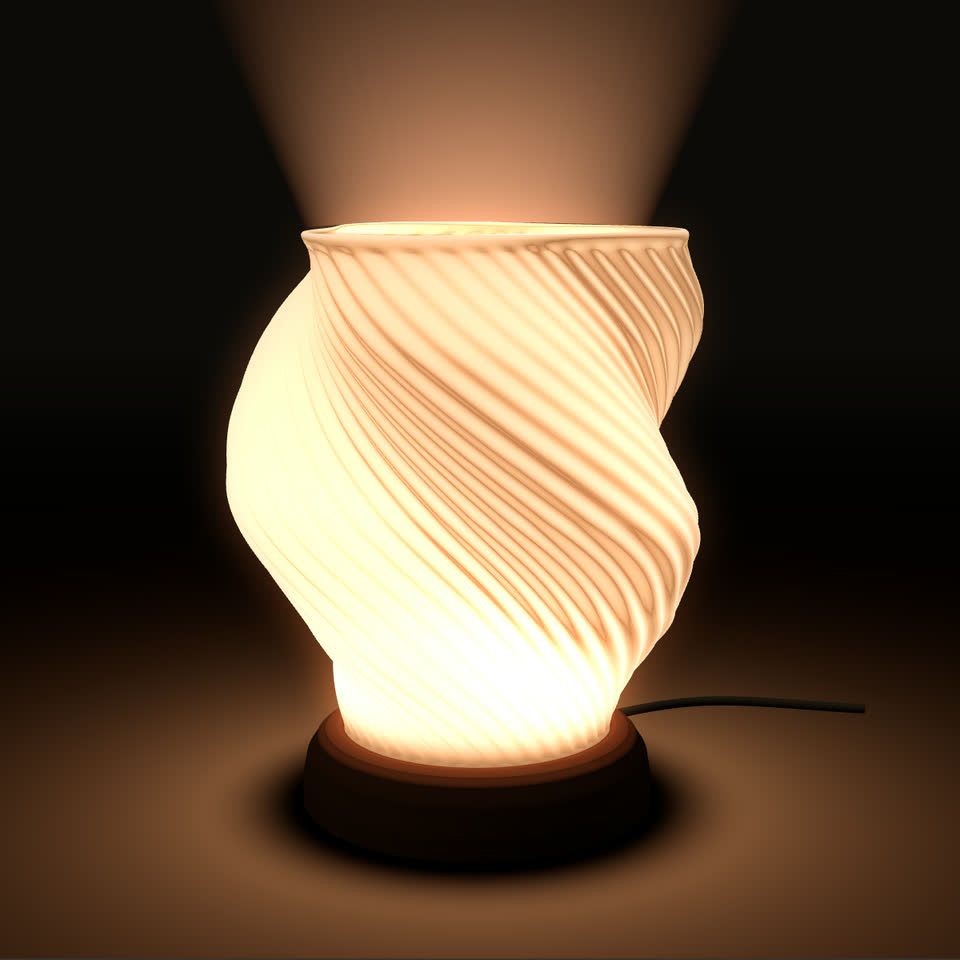
Stills from the Lampforge studio, which works out the glow from the lamp's own shape. Open it to turn the lamp and change every part.
Fifteen shapes
Every built-in shape prints without supports at its default size and downloads as it is with a free account. Pick one to open it in the studio, then make it yours.
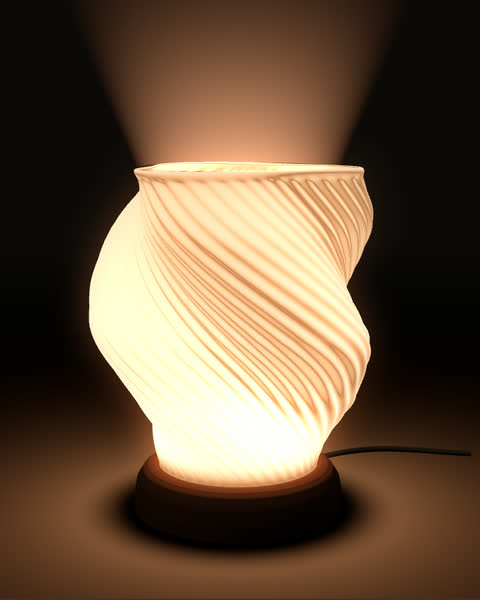 Vortex
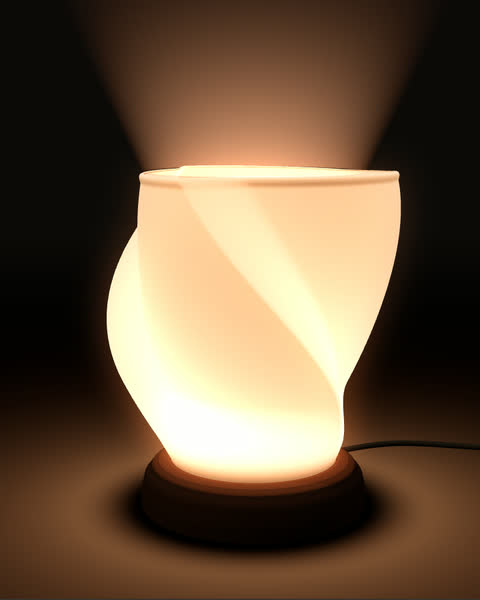 Swirl
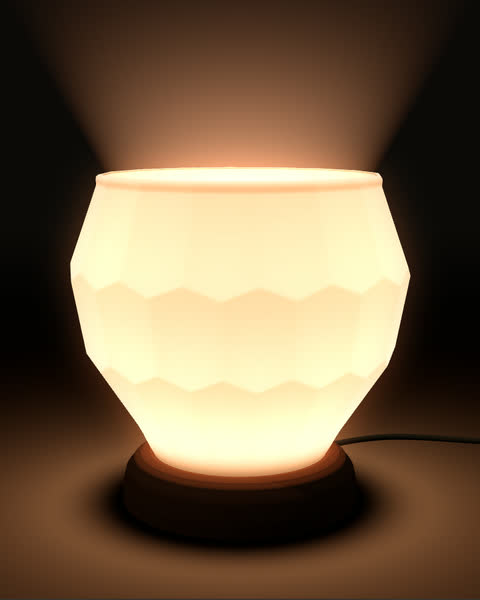 Gem
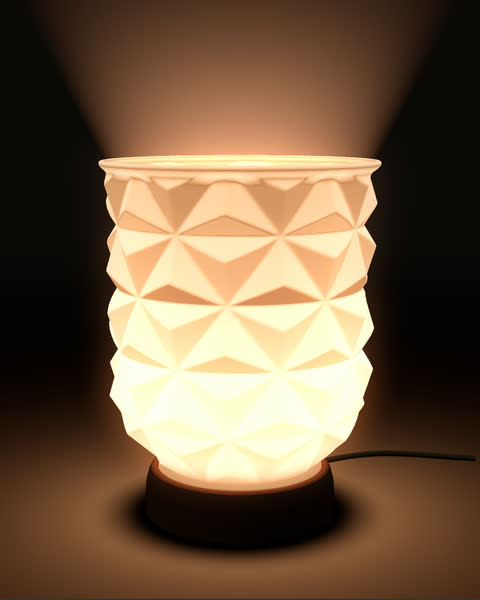 Origami
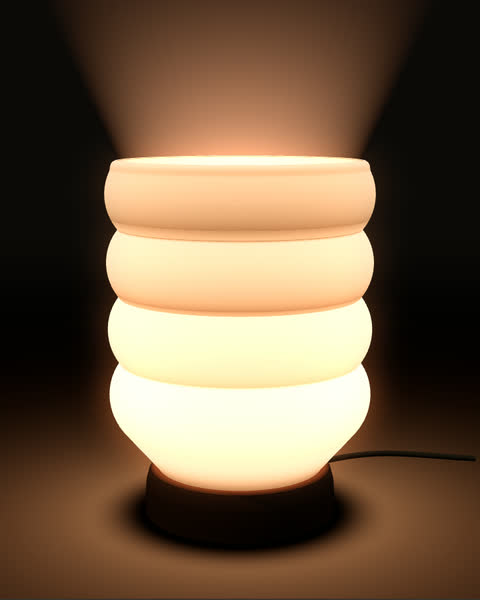 Stack
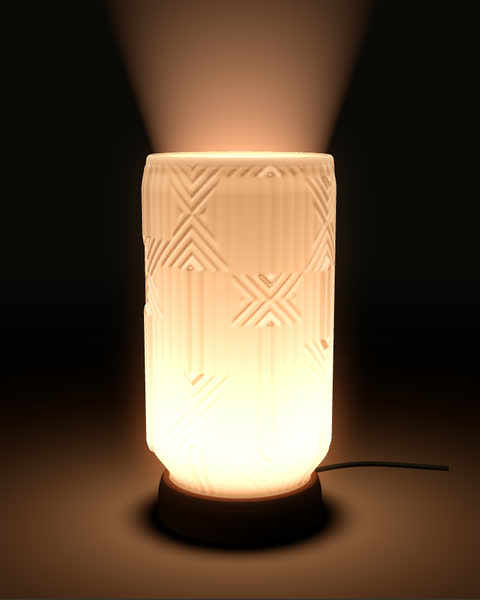 Circuit
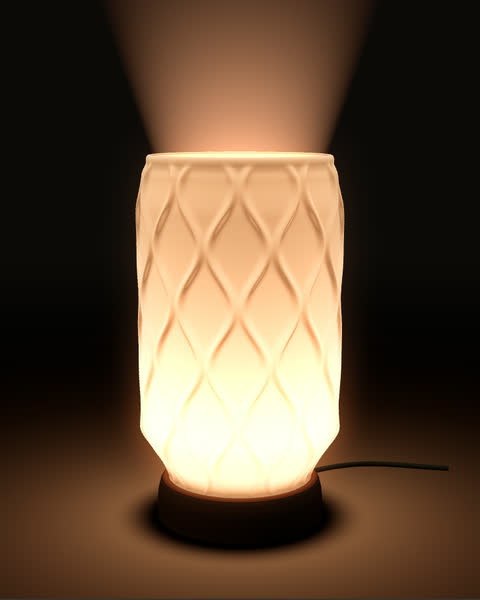 Willow
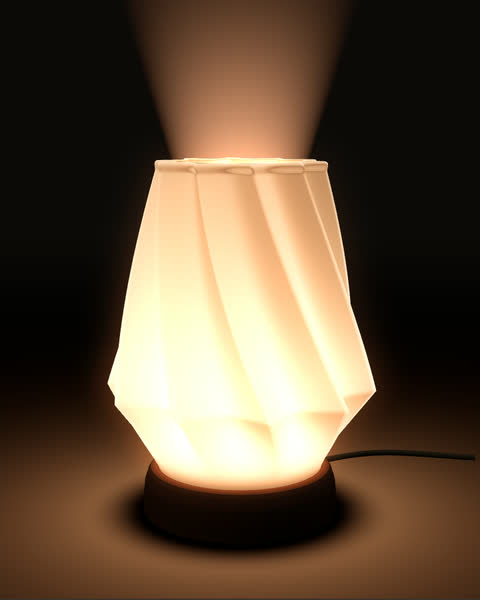 Skirt
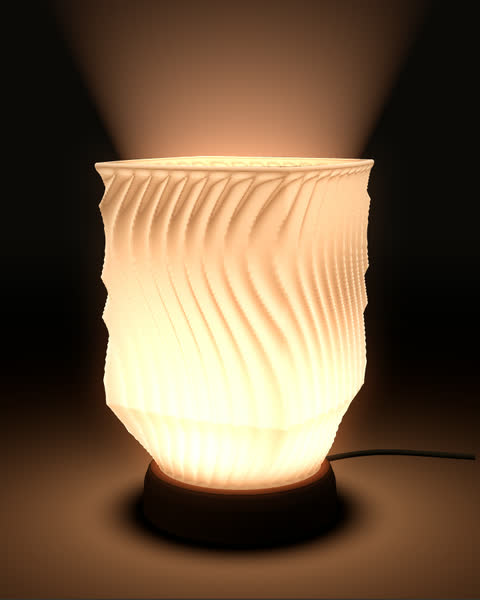 Ripple
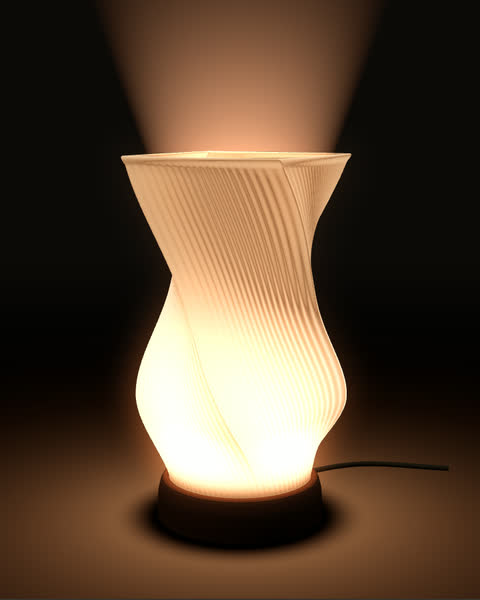 Twist
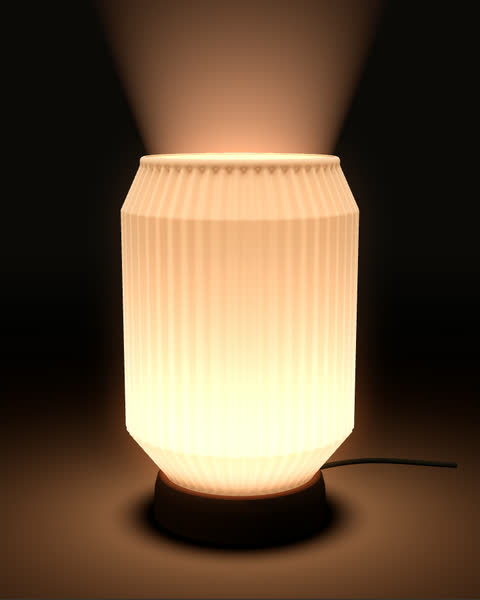 Capsule
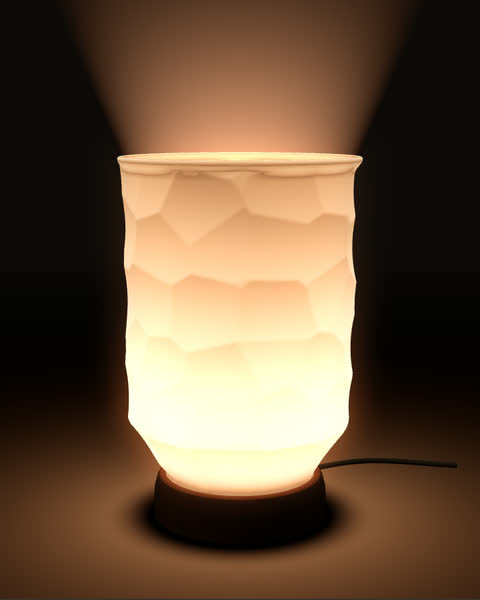 Chisel
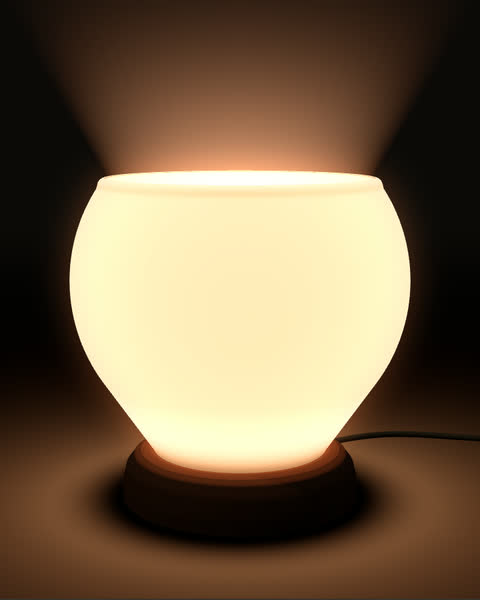 Sphere
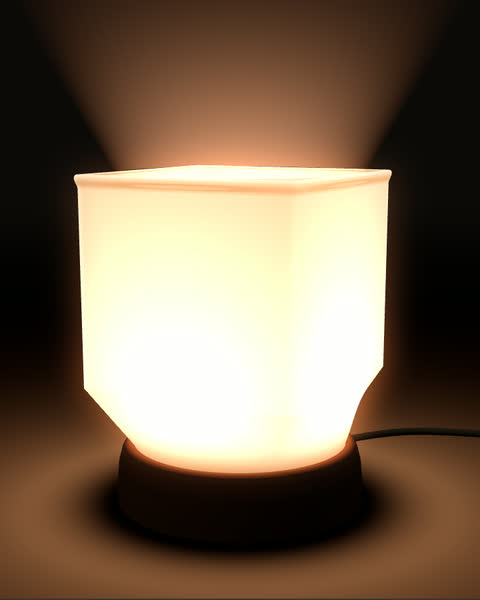 Cube
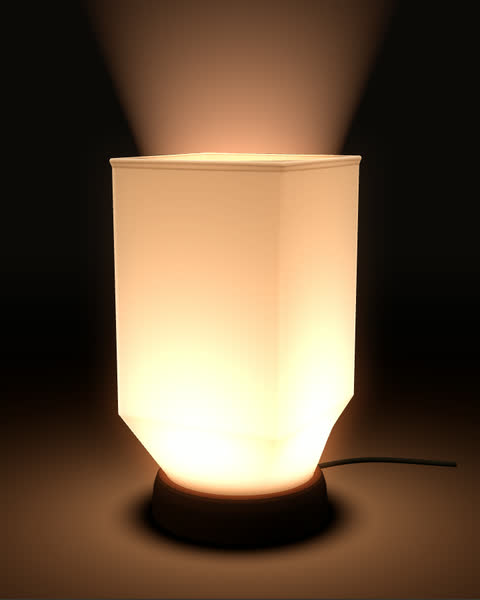 Rectangular
Previews from the studio, each on the rounded base it starts with. There is also a Random button for a shade of your own.
Open LampforgeHow it works
Start from the Vortex lamp the studio opens with, choose one of the 15 shapes, or press Random for a new shade.
Drag the outline, set the cross-section, twist and wall, and stack up to six textures, built in or made from your own photos. Choose a base; the LED pocket and the groove that holds the shade follow.
The shade and the base come as two STL files for Bambu Studio, OrcaSlicer, PrusaSlicer or Cura. Your own designs are saved to My designs first, which is free for three.
In the studio
Switch the lamp on and the light is worked out from the shade itself: brighter where the wall is thin, striped where a texture catches it. Try day and night, brightness and colour temperature.
The base holds a round LED 59.5 mm across. Its pocket, the ledge the LED rests on, the cable channel and the groove for the shade all follow your design.
Lampforge measures the steepest overhang of the shade and the base, and warns past 45°. Closed-top shades and tripod bases export upside down, so they need no supports either.
Each part is measured against 180 mm and 256 mm beds, such as the Bambu Lab A1 mini and A1, with an estimate of the filament it needs.
Photograph a weave, a carving or a tiled wall, frame the pattern, and Lampforge turns it into relief that wraps the shade, with the glow showing every ridge. The photo stays in your browser.
Keep the textures you make in My textures and use them again on any lamp, or on a pot in Potforge. Free keeps 3, Hobby 30, Commercial up to 100.
Plans
Free keeps 3 designs and downloads 2 a month. Hobby keeps and downloads as many as you make. Commercial adds the right to sell what you print. Hobby and Commercial each work in every KUZE tool.
For trying it out
$0
For makers who print for themselves
$4 / month
or $36 a year (save 25%)
For sellers
$12 / month
or $99 a year (save 31%)
Prices are in US dollars. Hobby and Commercial each cover Lampforge, Potforge and every KUZE tool we add. Each is billed monthly or yearly: upgrade inside the studio, and cancel any time; your plan runs to the end of the period you paid for. With Alipay you pay once, for 30 days or a year, with no renewal. Refund policy
Questions
Not to design. You need a free account to download any STL, the 15 built-in shapes included, and to make a texture from your own photo. A lamp you made or changed is saved to My designs first. That needs only a Google account or an email address: sign in with Google, or with a link or code we email you. No password.
Yes. Designing is free and there is nothing to install. A free account downloads two designs a month in each KUZE tool, the built-in shapes included, and keeps three of your own lamps for any use but selling. Hobby adds unlimited designs and downloads; Commercial adds the right to sell prints.
No. You shape the lamp with sliders, shape buttons and an outline you drag. Lampforge keeps the shade, the LED pocket and the base the right size for each other, and builds the STL files for you.
A ZIP with two STL files, shade.stl and base.stl. You can also download the shade or the base alone. The files are made in your browser.
Yes, with a free KUZE account. In the texture layers, choose “+ Texture from a photo”, pick a JPG, PNG or WebP and drag a box over the pattern. Lampforge turns its light and dark into relief, finds the repeat so no seam shows, and wraps it round the shade or the base. The photo is processed in your browser; only the texture is kept. Each one is kept in My textures (3 on the Free plan, 30 on Hobby, up to 100 on Commercial; when it is full, delete one or upgrade), and a design can use as many as you like. The photo texture guide goes step by step.
A round, flat LED module 59.5 mm across and 8.2 mm thick, the kind sold as an LED lamp kit with a cable. The base has a pocket for it, a ledge it rests on, an open bottom to push it out and a channel that leads the cable out the back. The LED is not part of the print. The LED guide shows how to fit a different one.
Not for the built-in shapes: all 15 stay under about 41° of overhang at their default size, and the hollow base has no inside slope steeper than 45°. For your own designs, Lampforge measures the steepest overhang and warns past 45°.
Turn spiral vase mode on for the shade and off for the base. Vase mode prints the shade as one continuous wall, a single line wide, with no seam. The base has an LED pocket, a ledge and a cable channel inside, so it needs normal slicing. The print settings guide has the rest.
Any FDM printer whose slicer opens STL files, which covers Bambu Lab, Prusa, Creality, Elegoo and the rest. Lampforge also checks each part against 180 mm and 256 mm beds.
Yes, on the Commercial plan, paid monthly or yearly. One subscription covers every KUZE tool, Potforge included. The Free and Hobby plans cover everything else, gifts included. Nobody may resell the STL files themselves.
Nothing is deleted. You go back to the Free plan: every design stays in My designs, your earliest three stay downloadable, and you can download two designs a month.
KUZE, a small 3D-printing studio in Perak, Malaysia. KUZE also makes Potforge, a planter designer, and one KUZE account works in both.